Write your slides and course websites as plain text
Write a few short text files; get slides in the browser, a PDF, or a course website with a menu. LHTML is the markup: a few symbols for headings, lists, bold and boxes. lhtml-site is the program that turns a folder of such pages into the result. No web development needed.
Used in real courses: lecture slides, their PDFs and lab websites at École polytechnique and EPITA. See them →
One text, three results
A page is a short text file. The same sources produce, depending on the theme:
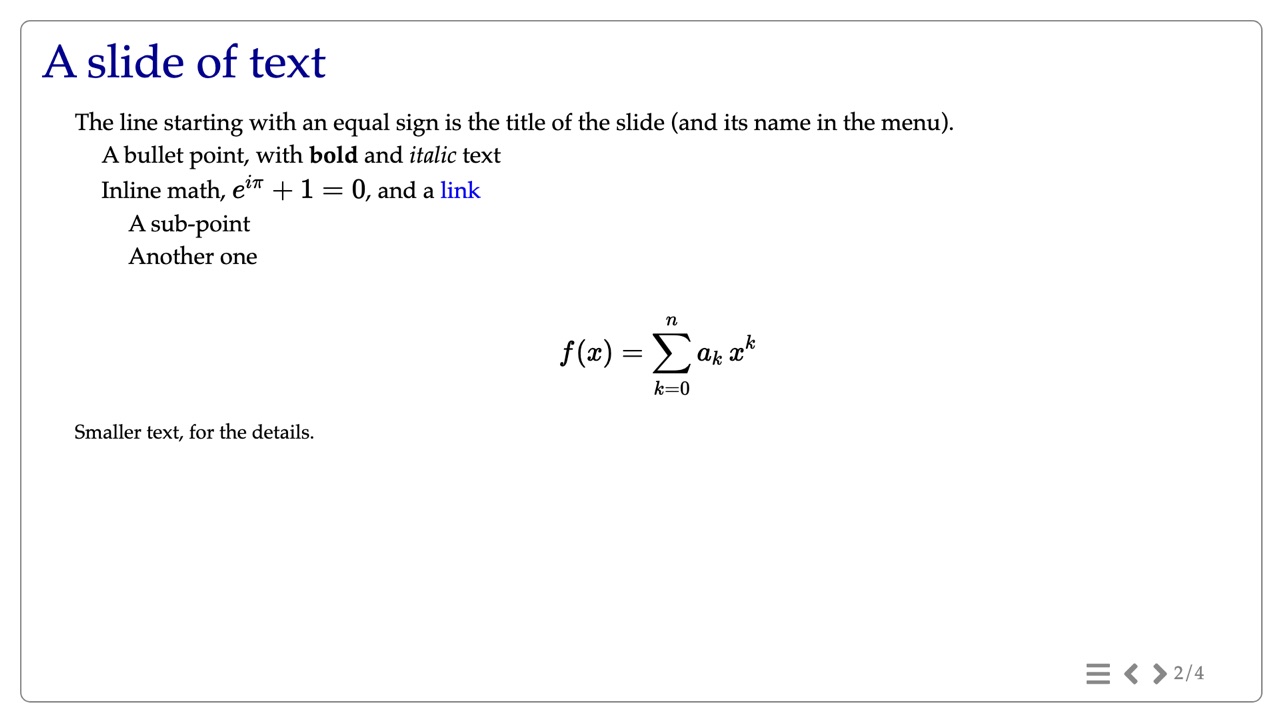
Shown in the browser, 1920×1080, arrow keys to move. Theme slides.
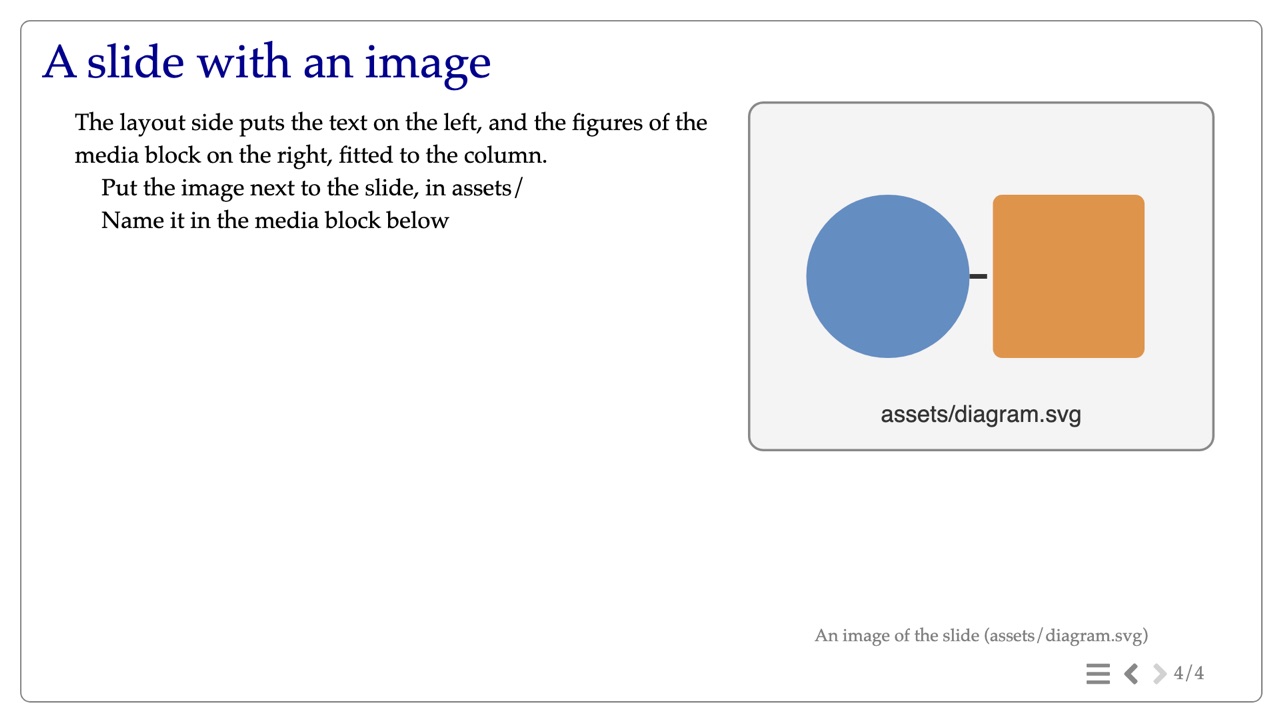
The same slides as a PDF, and an image of each slide. Theme slides-pdf.
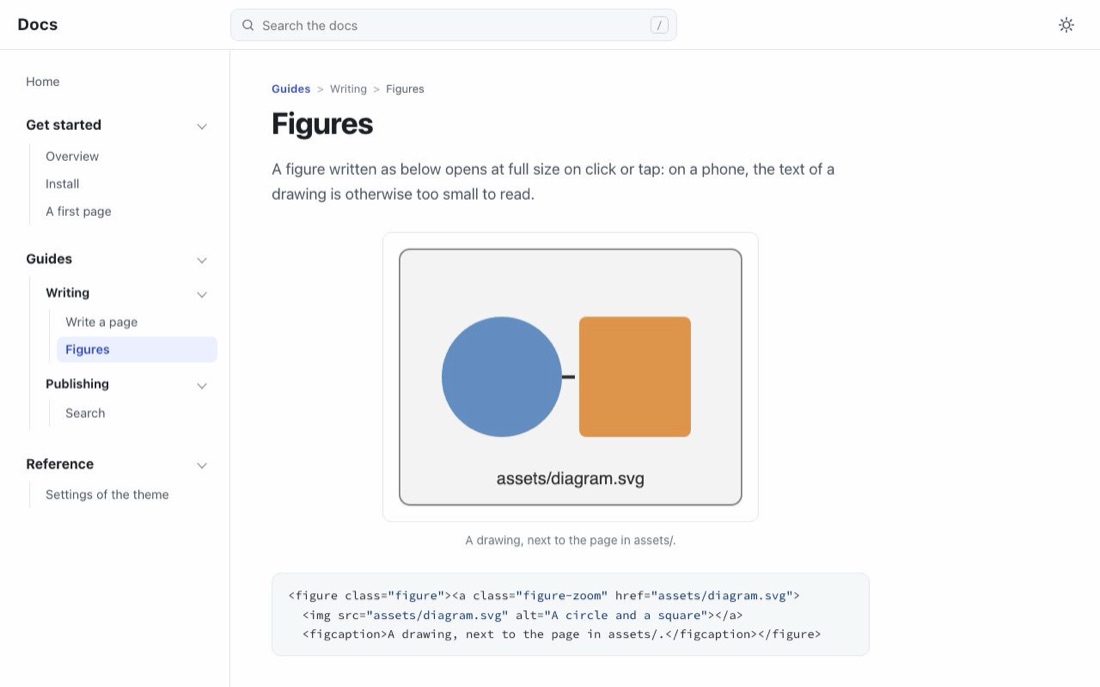
A course or a documentation site, with a menu and search. Themes webpage-frame, docs.
Each picture above opens a live example. This site is itself built with lhtml-site, from Markdown and LHTML pages.
In LHTML, everything you write is HTML. Only a few symbols are read and converted:
= for headings, * for lists, ** and __ for bold and italic,
:: for blocks, links and images. Everything else goes through untouched, so all that
HTML, CSS and JavaScript can do stays at hand: a <table>, a
<video>, a <script>, your own stylesheet. You never lose the power of
HTML; you just type less of it.
What LHTML looks like
Each example of this site shows the source next to its result. The result is computed by LHTML each time the site is built, so it always matches the current version.
= Bouncing spheres

* **Goal**: a sphere that bounces on the ground
** Its height: \(z(t) = z_0 - \tfrac{1}{2} g t^2\)
** It hits the ground when \(z(t) = 0\)
* __Hint__: start with one sphere and one bounce
* Background: link::https://en.wikipedia.org/wiki/Free_fall[free fall]HTML produced
<h1>Bouncing spheres</h1>


<ul>
<li>
<strong>Goal</strong>: a sphere that bounces on the ground
<ul>
<li>
Its height: \(z(t) = z_0 - \tfrac{1}{2} g t^2\)
</li>
<li>
It hits the ground when \(z(t) = 0\)
</li>
</ul>
</li>
<li>
<em>Hint</em>: start with one sphere and one bounce
</li>
<li>
Background: <a href="https://en.wikipedia.org/wiki/Free_fall">free fall</a>
</li>
</ul>
Why not Markdown? See LHTML or Markdown?
Why not reveal.js? See lhtml-site, reveal.js or Quarto?
Two tools, one family
| LHTML | lhtml-site | |
|---|---|---|
| What | The markup language: a text in, HTML out | The generator: a folder of pages in, a site out |
| Use it for | A page, or HTML inside your own Python tool | Slides, a PDF, a course or documentation website |
| Install | pipx install lhtml-markup | pipx install lhtml-site (includes LHTML) |
| Start | Use LHTML alone | Get started |
| Code | drohmer/lhtml | drohmer/lhtml-site |
| Package | lhtml-markup on PyPI | lhtml-site on PyPI |
Where to start
One command with pipx, on macOS, Linux or Windows.
Four slides to start from, in your browser, then one of your own.
A new project with a menu, for a course or a documentation site.
Headings, lists, text, blocks, links, images and code, one short page each.