Your first website
A website is a new project, next to your talk, with pages of its own. They are written in the same LHTML as the slides; the theme gives them a menu instead of a slide layout.
1. A website with a menu
lhtml-site init my-site
cd my-site
lhtml-site --serve --watch
builds the site and serves it: open http://127.0.0.1:8000/ in your browser. As for the slides, each save rebuilds the site; refresh the page to see the change, and press Ctrl+C to stop.
Open src/01_welcome/index.html.j2 in your editor, change its text, save and refresh. To add a
page, duplicate one of the folders of src/, as for a slide.
The theme is webpage-frame: a navigation menu, pages of any length, suited to a course.
2. A documentation site
lhtml-site init my-docs --theme docs
produces a site like this one: a top bar with search, a menu by section and group, "On this page",
previous and next, light and dark modes. Its starter pages are in Markdown (index.md.j2); a
page in LHTML (index.html.j2) works as well. The search box needs an index, built after the
site: see Put it online.
Each page names its place in the menu in its front matter, the YAML at the top of the file:
---
title: Draw a mesh
section: How-to
group: Shapes
---
Change the theme
The theme is the line theme: of configure.yaml:
| Theme | For |
|---|---|
webpage-frame |
Web pages with a navigation menu: a course |
docs |
A documentation site with search |
slides |
Slides in the browser |
slides-pdf |
The same slides, as a PDF |
slides and slides-pdf read the same pages: switch between them at any time. A talk does not
become a website by changing its theme, though: its slides use macros of the slides theme
(cols::, media::, box::...) that the website themes do not have. For a website, start a new
project as above, and copy over the text you need.
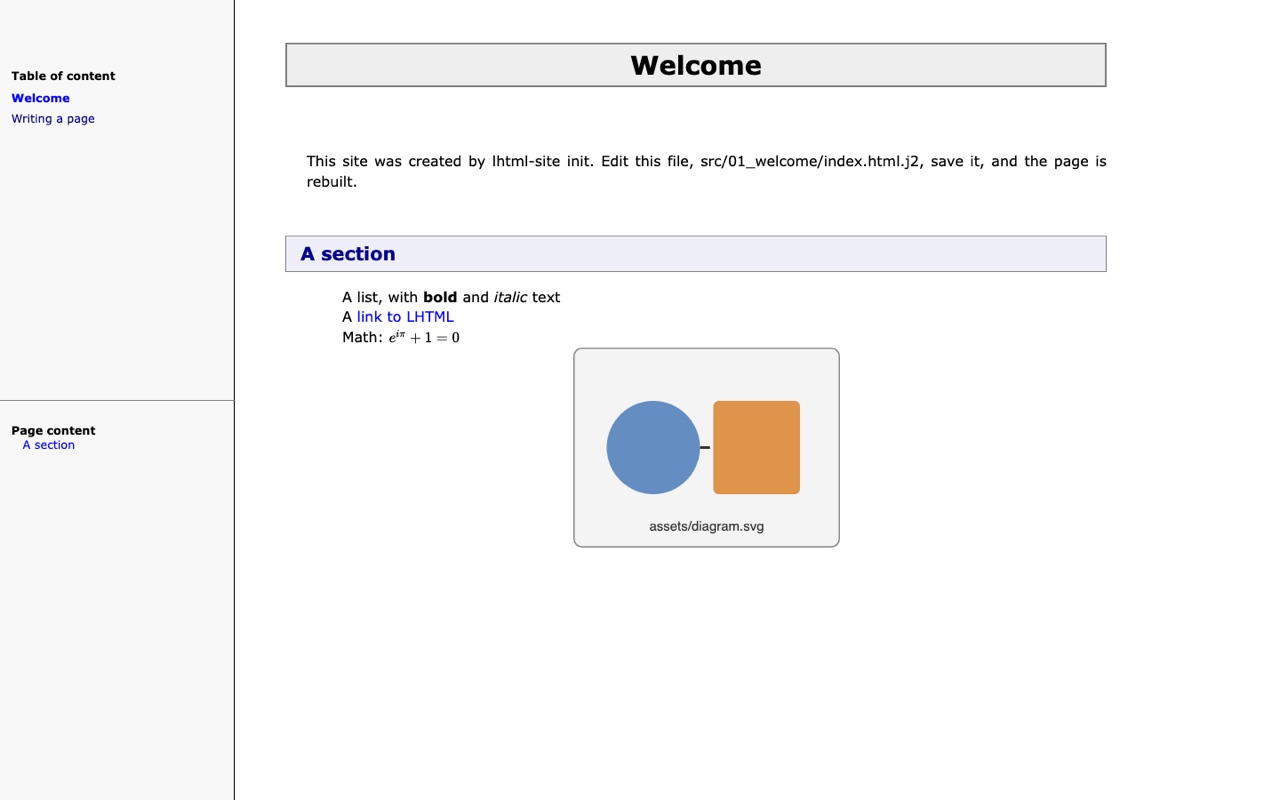
webpage-frame: the starter site of lhtml-site init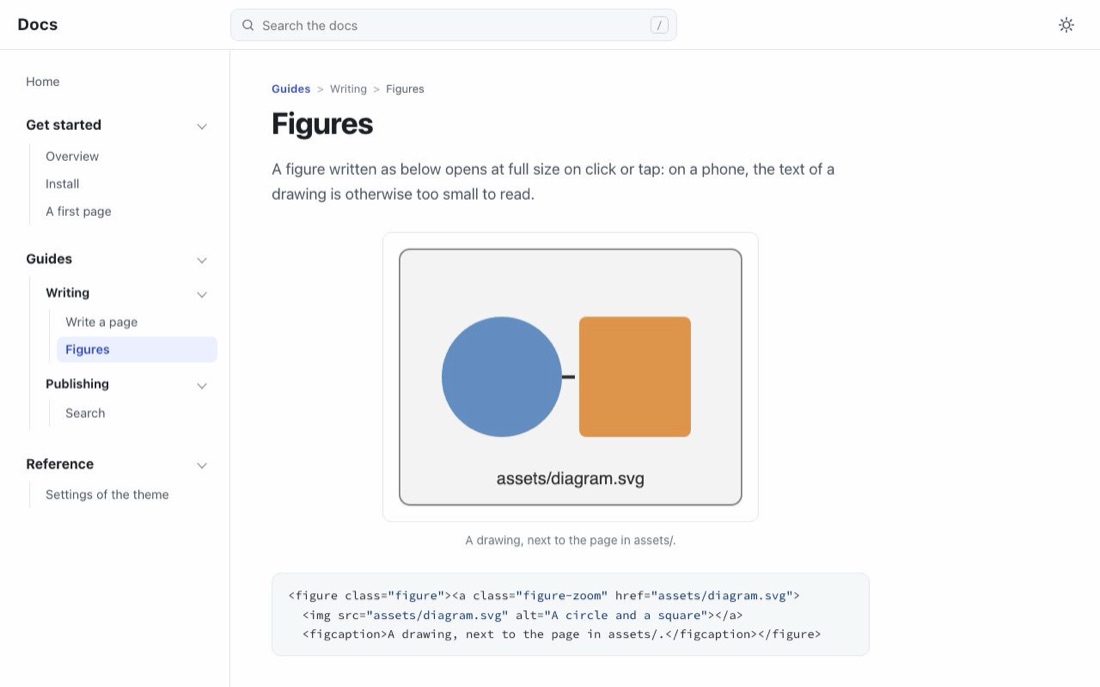
docs: the starter of lhtml-site init --theme docsEach picture opens the real site: the starter site, and the starter of the theme docs, search included.
Next: learn LHTML, one short page per construct.