A talk with videos
Videos are where the usual slide tools struggle. In lhtml-site, a video is one line.
.site/, with videos that play on every browserWhat you'll get
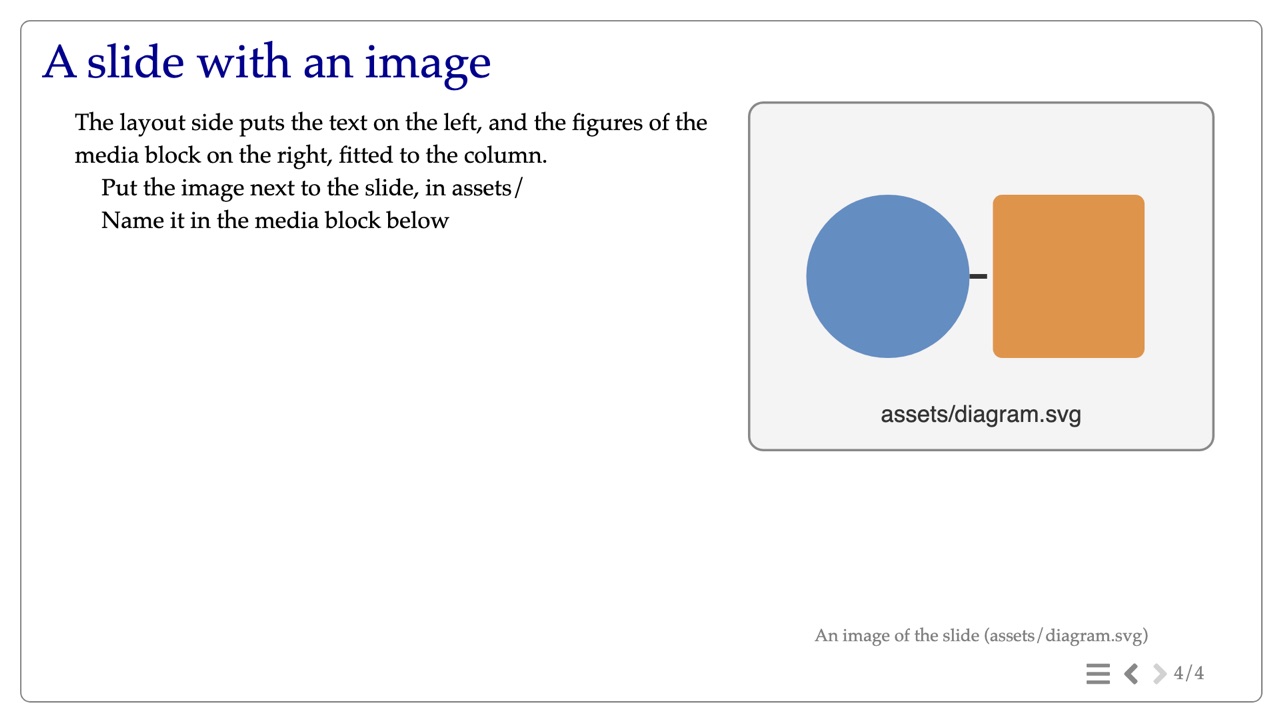
side layout: text on the left, the figure or video on the right. Click to open the starter talk and move with the arrow keys.1. Create a talk
lhtml-site init my-talk --theme slides
cd my-talk
init writes four slides to start from, src/01_title/ to src/04_image/. A slide is a
directory of src/; add one for the video, with the video next to it, in assets/:
my-talk/
  configure.yaml
  src/
    01_title/ ... 04_image/
    05_ik/index.html.j2
    05_ik/assets/ik.mp4
2. A slide with a video
In src/05_ik/index.html.j2:
---
layout: side
---
= Inverse kinematics

* Describe the position of the end effectors
* Compute the joint angles

media::
videoplay::assets/ik.mp4
credit:: Animation: MiloScerny ::
::
Build with lhtml-site and open .site/index.html: the video plays on the fifth slide.
- The lines between
---at the very top are the front matter of the slide:layout: sideputs the text on the left and the video on the right, fitted to the column, with no width to write. The starter slides write the same choice as{% set layout = 'side' %}on their first line; both forms work, use either. media::...::holds the figures that the layout places and sizes;credit:: ... ::is the small caption under them. Both are macros of the slide themes: see What the slide themes add.videoplay::plays by itself, in a loop, without sound: the form for an animation.video::neither plays by itself nor shows buttons: writevideo::assets/ik.mp4{controls}for a video you start yourself (Links and images).
3. Videos every browser reads
A video straight from a phone or a screen recorder often uses a codec that some browsers do not play: an iPhone films in HEVC (H.265), which Safari reads and many browsers on Windows or Linux do not. lhtml-site can make two copies of each video, once: a WebM (VP9) and an MP4 (H.264). The browser then picks the one it reads.
In configure.yaml, remove the # in front of this line:
cache_video_directory: 'cache_video/'
The conversion needs ffmpeg (brew install ffmpeg on macOS, sudo apt install ffmpeg on Debian
or Ubuntu) and ffpb, a progress bar for ffmpeg:
- installed with pipx:
pipx inject --include-apps lhtml-site ffpb; - installed with pip, in a virtual environment:
pip install ffpbin that environment.
The Videos in several codecs line of lhtml-site doctor says ready when both are found.
The build then makes the missing copies of each video, keeps them in cache_video/, and each
video gets one <source> per copy. The next builds reuse the cache: a video is converted only
once. The build reads .mp4, .webm and .mkv files; convert a .mov first, for example
ffmpeg -i clip.mov clip.mp4.
4. A poster image
The image shown before the video starts is an attribute:
video::assets/ik.mp4{controls poster="assets/ik.jpg"}
ffmpeg makes one from the first frame: ffmpeg -i assets/ik.mp4 -frames:v 1 assets/ik.jpg, in the
directory of the slide.
5. Layouts for videos
| Layout | For |
|---|---|
side |
text on the left, the video on the right |
stack |
text, then the video below, as large as the slide allows |
stack with media::(.row) |
several videos side by side |
For two videos side by side:
---
layout: stack
---
= Two gaits

media::(.row)
videoplay::assets/walk.mp4
videoplay::assets/run.mp4
::
6. Present the talk
Open .site/index.html in the browser: it works from the disk, without a network or a server,
so you can copy .site/ to a USB key or to the laptop of the room. A slide that shows a web page
loading its own files (a 3D model, a demo) needs a server: lhtml-site --serve
(A 3D model in a slide).
- Next slide: right or down arrow, the mouse wheel, or a swipe on a touch screen. Previous slide: left or up arrow.
- Full screen: the browser's own full screen, F11 on Windows and Linux, Ctrl+Cmd+F on macOS (Esc to leave).
- Jump to a slide: click the menu at the top of the slide to show the list of the slides.
If it goes wrong
- The video shows a black frame or nothing in one browser: its codec is not read there; turn on
cache_video_directory(step 3) and rebuild. lhtml-site doctorsays the videos are not ready: install what it names (ffmpeg,ffpb).- Text or a figure goes past the bottom of the slide:
lhtml-site --layoutwrites a report of the blocks that overflow or collide, in.layout/(it needs the PDF export installed, see the next recipe; how to read it: Check your slides automatically).
Next: the same talk as a PDF, where each video is shown by one of its frames, or put it online.